Quick setup
Install in three steps
The app is distributed as a direct download (APK) while our Google Play listing is being finalised.
Download the APK
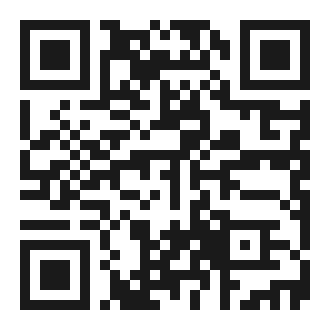
Tap “Get the APK” above, or scan the QR code with your phone. The file will save to your Downloads.
Allow the install
Open the downloaded file. If prompted, allow installs from this source (Settings → Install unknown apps) — this is normal for direct downloads.
Open & sign in
Launch NEDO Store and sign in with your mobile number. New to Nedo? You register your shop right in the app — see what you need.
Safe to install: this APK is the official NEDO Store build, served directly from nedo.co.in. Only download the app from this page or the official Nedo team.
Installed NEDO Store before 5 October 2026? If your phone says “App not installed”, uninstall that older copy (version 1.0.0) once, then install this one. Nothing is lost — your shop, products and orders are kept with Nedo; just sign in again with your mobile number. From this version on, new versions install over the app and you stay signed in.